As I mentioned in my first post, I received a grant for next school year from my district for 30 laptops in my classroom. I participated in a training this week to learn about all the fun web 2.0 tools that are available for use in the classroom. 5 days of technology information is a lot to process, so here are some of things we learned.
Monday we covered
Edmodo,
Todaysmeet, and
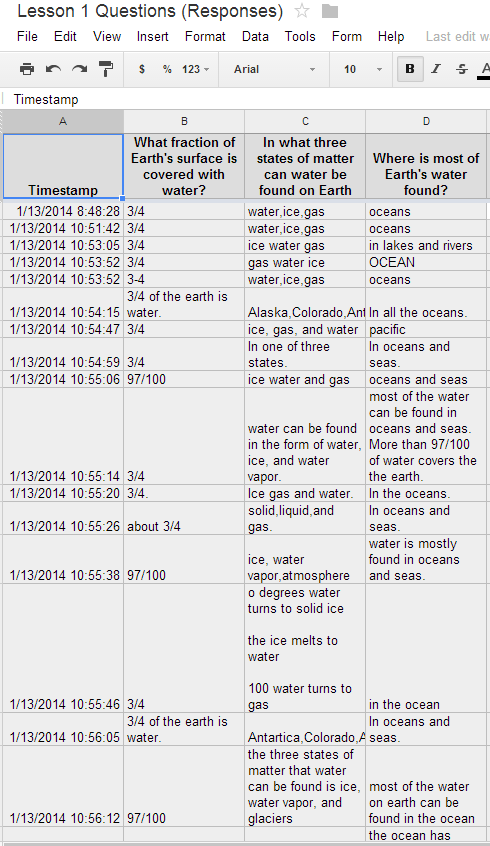
Googledocs. I have started using Googledocs with regularity because I bought a Chromebook, but my mind is reeling with ideas of how to use Googledocs for next year. I teach with a team teacher and my goal is to have lots of collaborative documents that we both can go in and edit. I've been thinking about using Todaysmeet as an exit slip strategy for lesson closings. Lesson closures is one of my weaknesses and I think this will really help show me what students have learned and what questions they still have at the end of a lesson.
Tuesday we covered a TON of information! I was slightly overwhelmed and decided I needed to choose just a couple items to focus on for this school year. I'm really excited to use
Symbaloo for all of my math sites that I want my students to have easy access to. I am trying to figure out a way to use my laptops as part of my math rotations. I think I want one station where students can play games on the laptops that practices the skills we are working on. We also talked a lot about digital citizenship- teaching students how to be responsible when online.
Wednesday we worked on Project Based Learning (PBL). We had to present a PBL scenario to our group on Friday based on something we had previously taught. I did PBL on area and perimeter by having the students design raised bed gardens for our school. We had to present our PBLs in a powerpoint Ignite style (20 slides, 15 seconds each for a total of 5 min). I stayed up pretty late on Wednesday putting my powerpoint together! We also talked about Genious Hour on Wednesday. Genious Hour is the idea of offering 20% (or a set amount of time) to your students where they get to work on things that they are passionate about instead of you constantly telling them what to work on. I'm still trying to wrap my brain around this one! I stayed up quite late this to work on my Ignite powerpoint. I created my first
PowToon for my slide on what my entry event would be. It's pretty simple since the slid can only be 15 seconds long. You can view it
here.
Thursday we continued our work on PBL. We had a wonderful presentation from a team of teachers from the East side of Arkansas present how their school implements PBL. I took 3 pages of notes during the presentation!!! Talk about awesome! They really laid out the planning method they use for PBL. They shared lots of good practical tips for implementing PBL, including how to group students, group contracts, entry documents, workshop time, and rubrics. I also got confirmation that the project I've been planning this week is right on track with what elementary teachers are using in their school. I also learned how embed a video into my powerpoint by using
youtube downloader and
zamzar to convert my file. It took a little work, but it was all worth it!
Friday we all presented our PBLs. It was amazing to the amount of creativity that came out of my colleagues. We saw 29 five minute presentations ranging from science to math to history to ELA. I think we all decided that we want to go back to school and be in each other's classrooms!
Thanks for staying with me though this super long blog post! This post has a been a great reflection for me of the week of new learning! I learned so much this week and I can't wait to implement all the new tools and resources I learned! As I explore my new tools and see how they work in my classroom, I will share with you on my Tech Tools pages! If you ever have any new ideas or tools to use in the classroom, leave me a comment!